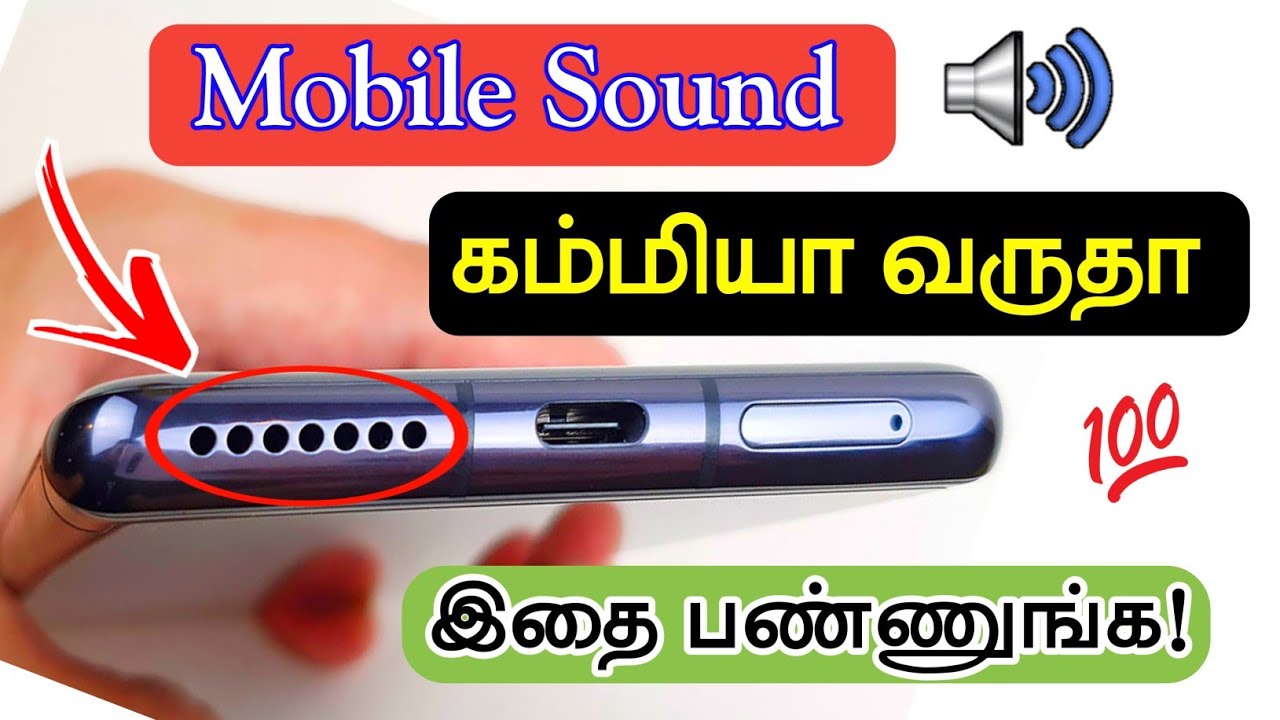
Is your phone speaker sounding quieter than usual? Whether you are watching videos, listening to music, attending a call on speaker mode, or playing a game, low or muffled audio can be frustrating. Fortunately, there are several ways to improve your mobile speaker sound without immediately replacing the phone.
A mobile speaker booster or speaker cleaner app may help improve the listening experience in certain situations. However, the best results usually come from combining software settings with simple speaker maintenance.
This guide explains how to increase Android mobile speaker sound, how speaker cleaner apps work, and what Android and iPhone users can do when their phone speaker sounds weak or muffled.
How to Increase Android Mobile Speaker Sound
Android phones include different sound settings depending on the manufacturer and Android version. Before installing an additional application, check the built-in audio options on your device.
1. Increase the Media Volume
The simplest solution is to check your phone’s media volume.
Press the volume-up button while playing music or a video. Make sure you are adjusting Media volume rather than ringtone or notification volume.
You can also open the phone’s sound settings and check whether the media volume is already at its maximum level.
2. Check the Sound and Equalizer Settings
Some Android smartphones include an equalizer, sound enhancer, Dolby audio feature, or similar audio controls.
Depending on your phone model, you may be able to adjust:
- Bass
- Treble
- Equalizer presets
- Loudness enhancement
- Surround sound
- Audio balance
- Sound effects
These options can make audio appear clearer or stronger, although the available settings vary between Android devices.
3. Turn Off Bluetooth When It Is Not Needed
Sometimes your phone may still be connected to Bluetooth headphones, speakers, a car audio system, or another device.
If your audio is not coming from the phone speaker, open Bluetooth settings and check the connected devices. Disconnect unnecessary Bluetooth accessories and test the phone speaker again.
What Is a Mobile Speaker Booster App?
A speaker booster app is an application designed to modify or enhance the way audio is played through a phone.
Depending on the application and device, it may provide features such as:
- Volume enhancement
- Equalizer controls
- Bass adjustment
- Audio presets
- Music and video sound controls
- Custom volume profiles
The actual improvement depends on the phone’s hardware, Android version, audio system, and the particular application.
A software booster cannot physically make a small phone speaker capable of producing unlimited volume. Increasing the volume too aggressively can also result in distortion.
What Is a Mobile Speaker Cleaner App?
A mobile speaker cleaner generally refers to an app or web-based audio tool that plays specific sound frequencies designed to help move unwanted moisture or debris away from the speaker area.
This can be useful when a speaker sounds muffled after exposure to water or moisture.
However, a speaker-cleaning sound is not a replacement for professional repair. If the phone has significant water damage or continues to produce distorted audio, it is better to stop using aggressive volume settings and have the device inspected.
How Does Speaker Cleaning Sound Work?
Some speaker-cleaning tools use specially selected audio frequencies and tones.
The basic idea is that sound vibrations may help displace small amounts of moisture around the speaker opening. Similar concepts are used by some smartwatches and other water-resistant electronics.
The effectiveness can vary considerably from one device to another.
If your phone has been exposed to water, avoid charging it while it is wet and follow the manufacturer’s recommendations for liquid exposure.
Best Ways to Improve a Muffled Phone Speaker
Before downloading a speaker booster or cleaner application, try these basic steps.
Clean the Speaker Opening Carefully
Dust, lint, and dirt can accumulate around the speaker grille over time.
Turn off the phone and inspect the speaker opening under good lighting. If there is visible debris, clean it gently using a method recommended by your phone manufacturer.
Avoid pushing sharp objects into the speaker grille because this can damage the speaker or protective mesh.
Remove the Phone Case
A poorly designed or damaged case can partially cover the speaker opening.
Remove the case temporarily and play the same audio again. If the sound becomes clearer, the case may be affecting the speaker output.
Restart the Phone
A simple restart can sometimes resolve temporary software or audio-routing problems.
After restarting, test music, videos, notifications, and speakerphone audio to determine whether the problem has improved.
Check Audio Balance
Some devices provide left/right audio balance controls in accessibility settings.
If the balance is accidentally shifted toward one side, the overall listening experience may appear quieter than normal.
Android Speaker Booster vs Speaker Cleaner
Although the terms are sometimes used together, they serve different purposes.
| Feature | Speaker Booster | Speaker Cleaner |
|---|---|---|
| Main purpose | Improve perceived audio volume | Help with moisture-related muffling |
| Equalizer controls | Often available | Usually limited |
| Bass adjustment | Sometimes available | Usually not |
| Frequency tones | May be included | Commonly used |
| Useful for muffled audio | Sometimes | Potentially |
| Fixes damaged hardware | No | No |
If your phone simply sounds too quiet, an audio enhancer may be more relevant. If the speaker became muffled after moisture exposure, a speaker-cleaning tool may be worth considering.
How to Increase Speaker Volume on iPhone
iPhone users can also try several built-in options before looking for an external application.
Adjust the Volume
Play music or a video and use the physical volume buttons to increase media volume.
You can also use Control Center to adjust the volume.
Check Audio Settings
Open the iPhone’s audio and accessibility settings and review available options such as:
- Balance
- Mono Audio
- Headphone Audio settings
- Music equalizer options
The available features depend on the iOS version and device.
Check the Speaker Grilles
If your iPhone speaker sounds muffled, inspect the speaker openings for dust or debris.
Clean the exterior carefully and avoid inserting pins, needles, or other sharp objects into the speaker openings.
Can an App Really Make a Phone Speaker Louder?
A speaker booster application can sometimes make audio sound louder, but software has physical limitations.
The maximum safe output depends on the phone’s speaker hardware and audio system. If an application pushes the audio signal too aggressively, the result may be clipping, distortion, or unpleasant sound.
For this reason, it is better to focus on clearer and better-balanced audio rather than simply setting every volume control to maximum.
Is a Speaker Cleaner App Safe?
A reputable speaker-cleaning tool that plays audio tones is generally different from physically cleaning the speaker.
However, users should be careful with applications that request unnecessary permissions or make unrealistic claims.
Before installing an Android or iOS application, check:
- Developer information
- App reviews
- Permissions
- Recent updates
- Privacy information
- Compatibility with your device
Never assume that an app can repair physically damaged speaker hardware.
When a Speaker Booster or Cleaner Is Not Enough
Software may not solve the problem if your phone speaker has:
- Physical damage
- Water damage
- A damaged speaker membrane
- A blocked or damaged speaker grille
- Internal hardware failure
- Persistent crackling or distortion
If the sound remains poor after basic troubleshooting, professional service may be the safest option.
Frequently Asked Questions
How can I increase my Android phone speaker volume?
Start by increasing media volume, checking your phone’s sound settings and equalizer, disconnecting Bluetooth devices, removing the case, and checking the speaker grille. A reputable speaker booster app may provide additional audio controls.
What is the best speaker cleaner for Android?
There is no single speaker-cleaning app that works best for every Android phone. Effectiveness depends on the device, speaker design, operating system, and the cause of the muffled sound.
Can a speaker cleaner remove water from a phone?
Audio-based speaker-cleaning tools may help displace small amounts of moisture around the speaker opening, but they cannot guarantee removal of water from inside a phone. Significant liquid exposure may require professional attention.
Can I increase iPhone speaker volume with an app?
iOS places restrictions on how applications can control system audio. Users should first check the built-in volume and audio settings. Third-party applications may provide audio playback or equalizer features but cannot bypass the physical limitations of the iPhone’s speaker.
Why is my phone speaker suddenly quiet?
Common possibilities include low media volume, Bluetooth audio routing, a partially blocked speaker grille, software issues, an obstructive case, moisture, or hardware damage.
Does increasing volume damage a phone speaker?
Playing audio at very high levels for extended periods can cause distortion and may place additional stress on the speaker. If the sound becomes distorted or harsh, reduce the volume rather than continuing to increase it.
Final Thoughts
If your Android or iPhone speaker sounds quiet or muffled, start with simple solutions before installing additional software. Check the volume, audio settings, Bluetooth connections, phone case, and speaker opening.
A mobile speaker booster can provide additional audio controls, while a speaker cleaner may be useful for certain moisture-related muffling problems. Neither type of application can replace damaged hardware, so persistent distortion or water damage should be handled appropriately.
For the best listening experience, aim for clear, balanced audio rather than maximum volume. This approach can help you get more from your phone speaker while avoiding unnecessary distortion.